Reduce clutter in room photos
ProntoPic tones down small loose items in the photo, in about a minute. It never adds furniture or changes the room.
- Reduces small loose items
- Furniture and layout stay as they are
- Before and after comparison
Try 2 photos free. No credit card required
The problem
- Cables, chargers and bits left on surfaces
- A room that looks busier than it feels
- Photos sent by owners, taken as the room was lived in
- No time to tidy before the shoot
What ProntoPic does
- Reduces small loose items in the picture
- Never adds furniture or swaps the background
- Keeps walls, windows and layout
- Runs with the light and colour corrections
What gets corrected
What the edit changes and what it leaves alone
Small items reduced
Loose items on surfaces are toned down
Cleaner look
The room reads as tidier in the photo
Focus on the room
Less visual noise around the room itself
Same room
No furniture added, no background swapped
Layout unchanged
The photo still matches the real room
One edit, several fixes
Applied together with light, colour and perspective
See the difference
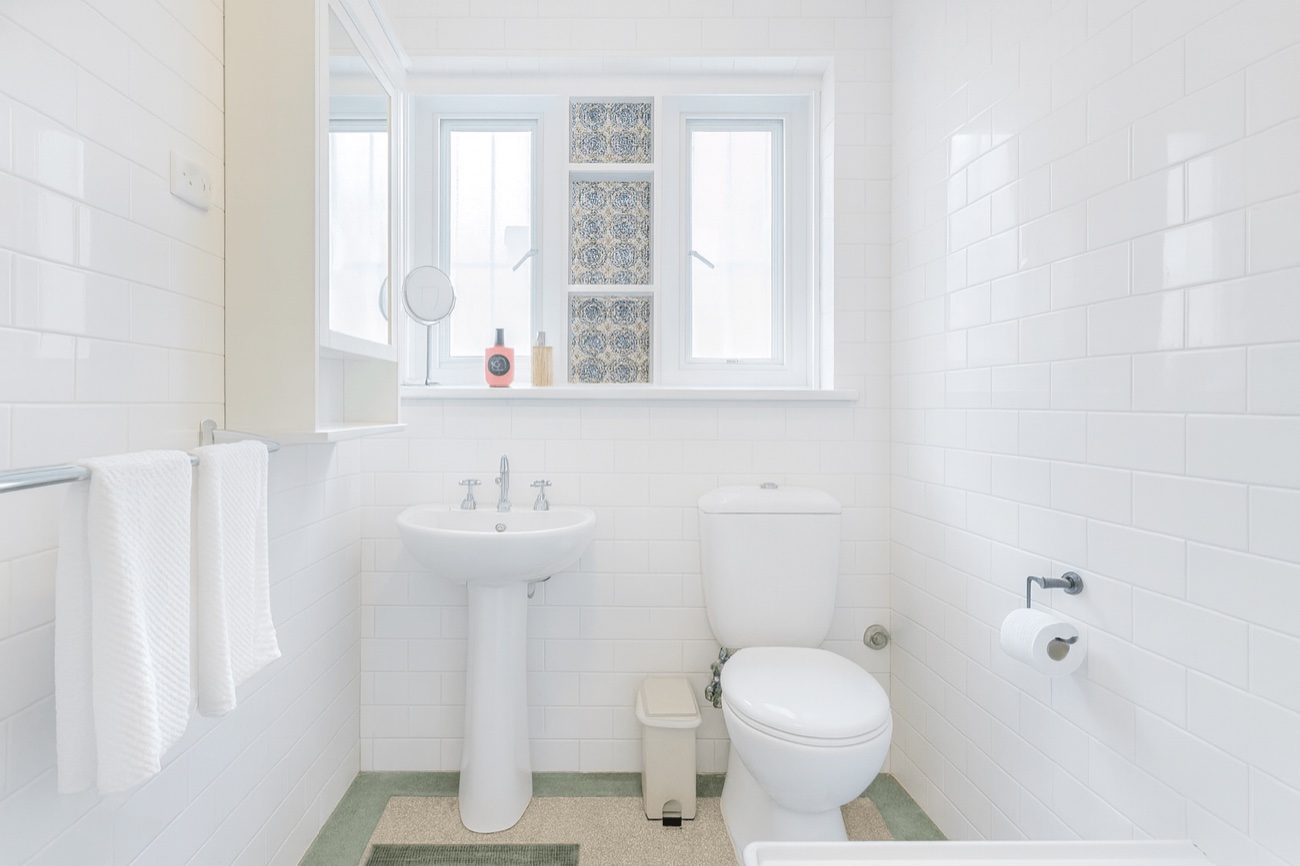
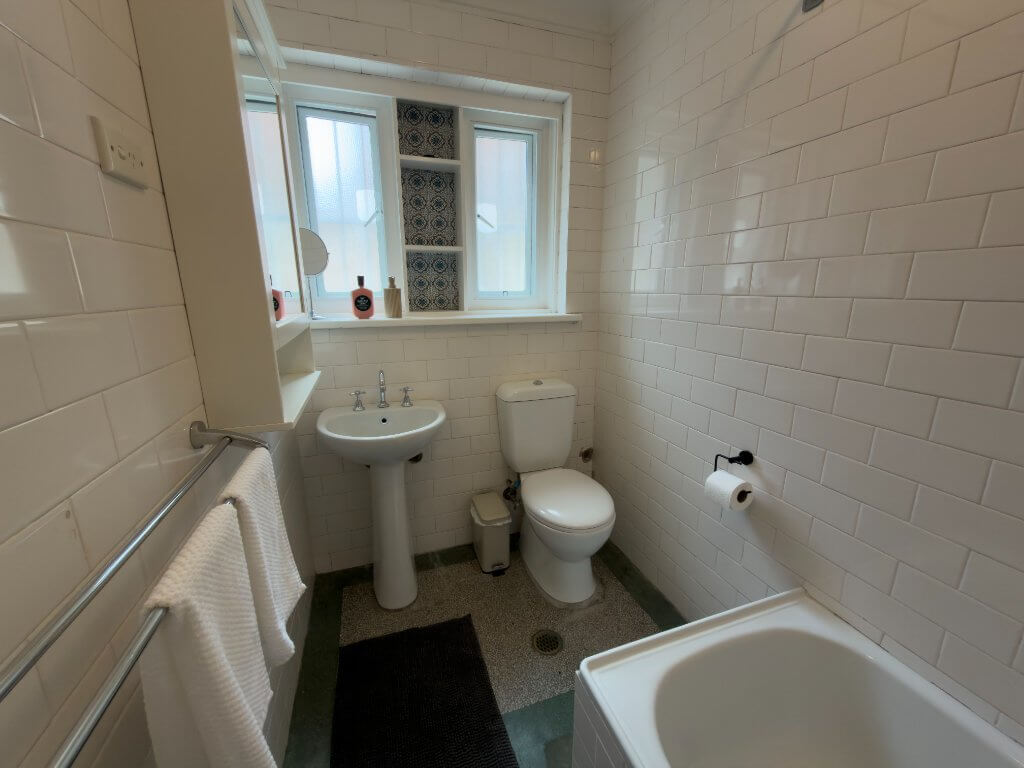
Click a photo to switch between the original and the enhanced version. Enhancement corrects light, colour, white balance, clutter and crooked walls, and does not change the room.
What clutter reduction does and what it leaves alone
Property photos are usually taken in a room that is being lived in. A kitchen counter holds a kettle, a toaster, a phone charger and the day's post. A bathroom has toiletries around the sink. None of it is wrong, but in a photo it adds up, and the room looks smaller and busier than it feels in person.
ProntoPic's enhancement reduces this clutter as part of the edit. It works on small loose items in the picture, such as cables, chargers and things left on surfaces, and leaves the room itself alone.
It never adds furniture, swaps the background or changes the layout. Walls, windows, fixed fittings and the furniture that is in the room stay as they are, so the photo still matches the room a guest or buyer walks into.
Clutter reduction runs together with the light, colour, white balance and perspective corrections. Each photo takes about a minute and costs $1.50. New accounts get 2 free photos, no card needed. You compare before and after on screen, then download.
Questions about clutter reduction
- Will it remove furniture or change the room?
- No. It never adds furniture, swaps the background or changes the layout. It works on small loose items, not on furniture or the fixed parts of the room.
- Does it replace tidying before the shoot?
- No. If the room is very untidy, tidy it before you photograph it. Clutter reduction is for what is left in the picture.
- Which rooms is it useful for?
- Any room with items on its surfaces. Kitchens and bathrooms usually have the most, and living rooms and bedrooms often have a few.
- What else does the enhancement correct?
- Light, colour, white balance and crooked walls, and the sky on exterior photos. You see a before and after comparison and can download your photos as a zip.
Explore more features
More ways ProntoPic corrects a photo